- itch (Godot/Unity/Free non-commercial)
- Unity Asset Store (Unity)
- Fab (Unity)
- Join the Discord
- Frequently Asked Questions
Mold is a real-time vector graphics library for Godot and Unity.
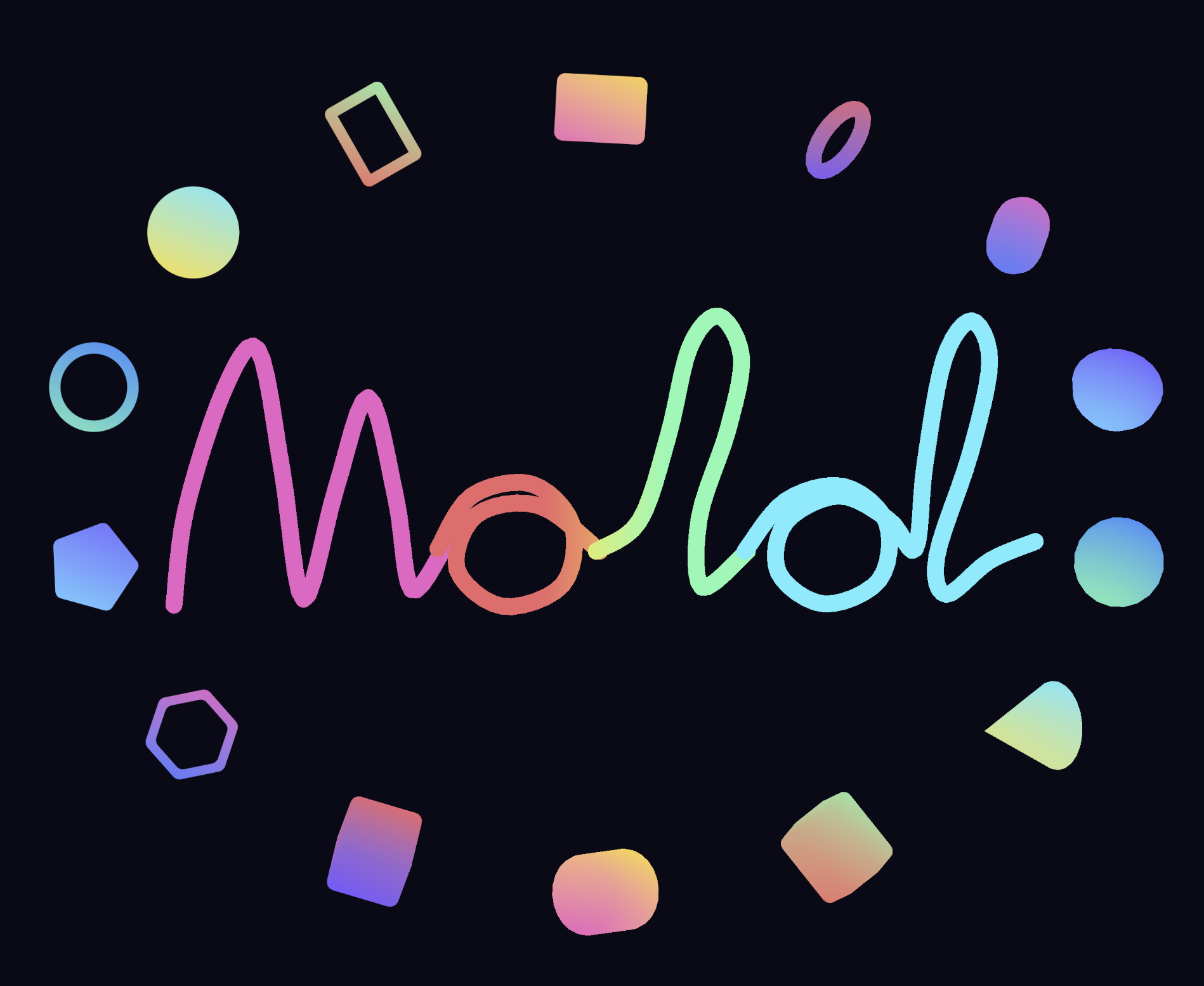
What it does 🔗
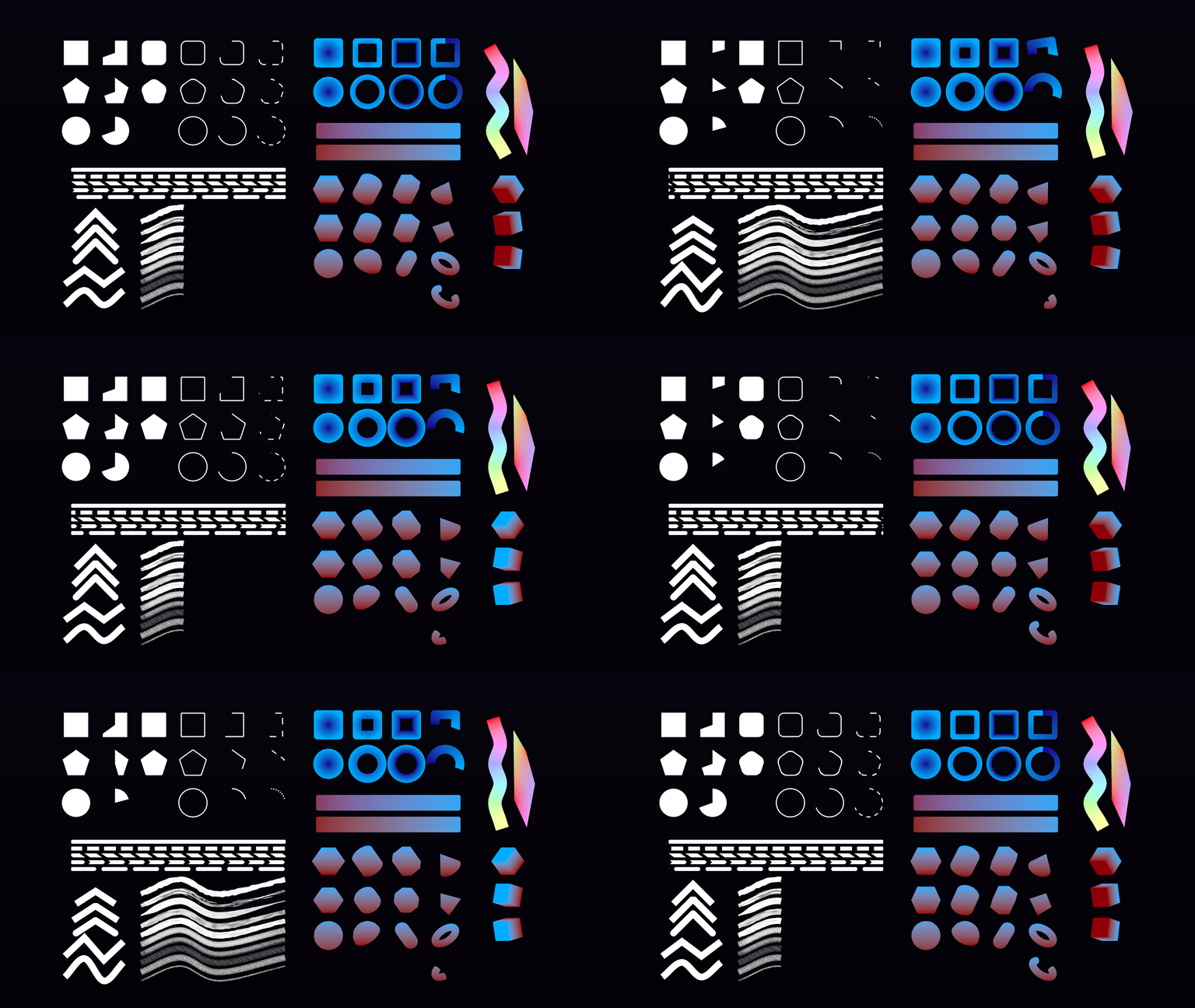
Mold includes a broad collection of 2D and 3D primitives, and capable of rendering 2D primitives with infinite resolution while capable of efficiently presenting 3D primitives silky smooth. A few additional features really helped my work:
Monilithic MoldPrimitive 🔗
A monilithic MoldPrimitive to create any shape you want, while still batch them efficiently with underlying low level rendering.
| Unity component authoring | Godot node authoring |
|---|---|
|
|
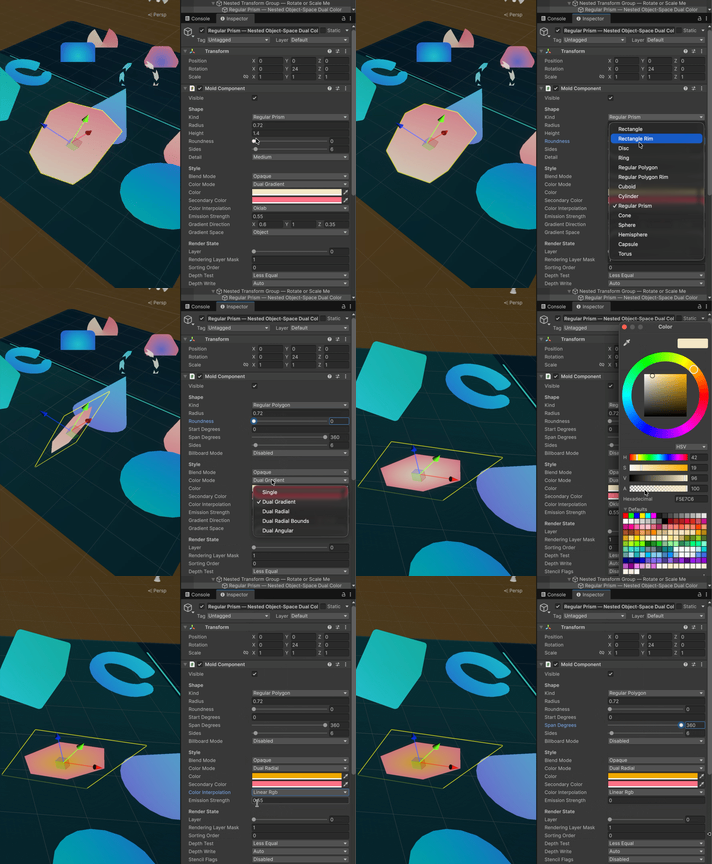
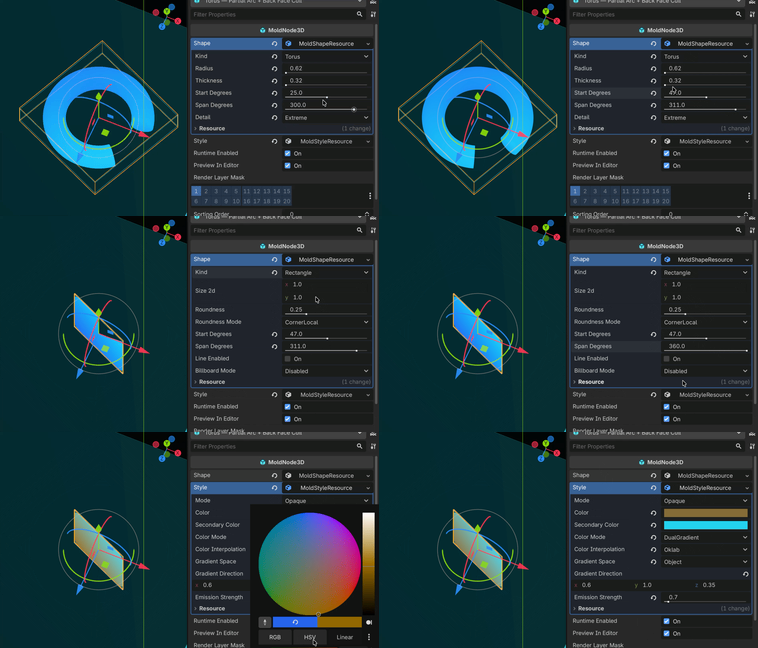
Under the hood, Mold uses Unity’s RenderMeshPrimitives API and Godot’s MultiMesh for rendering. It supports retained-mode rendering as the main workflow, with an immediate-mode API when that is more convenient.
Rounded 3D geometry 🔗
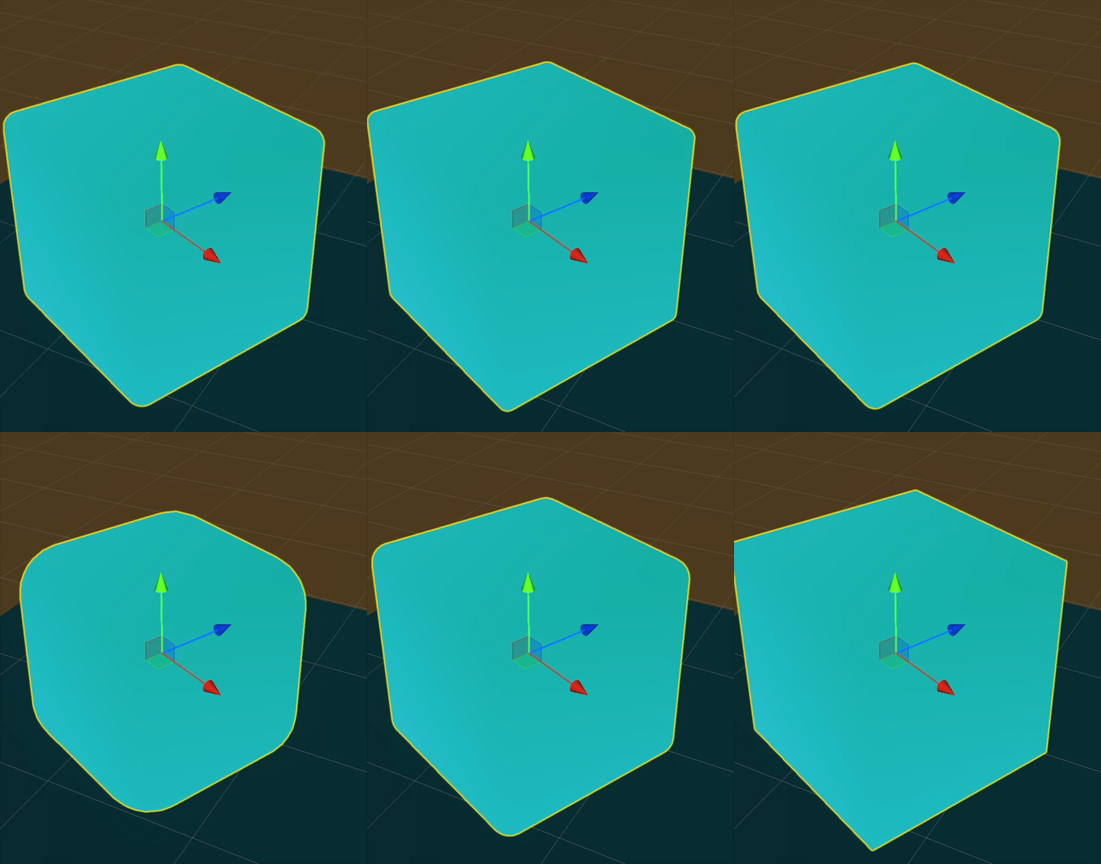
Mold can generate rounded boxes, cylinders, prisms, and other primitives without sending them through a modeling tool. Additionally, Mold uses vertex shader to deform the mesh, which means most of the resizing does not trigger the regeneration of meshes and you can cheaply do so.
Oklab color blending 🔗
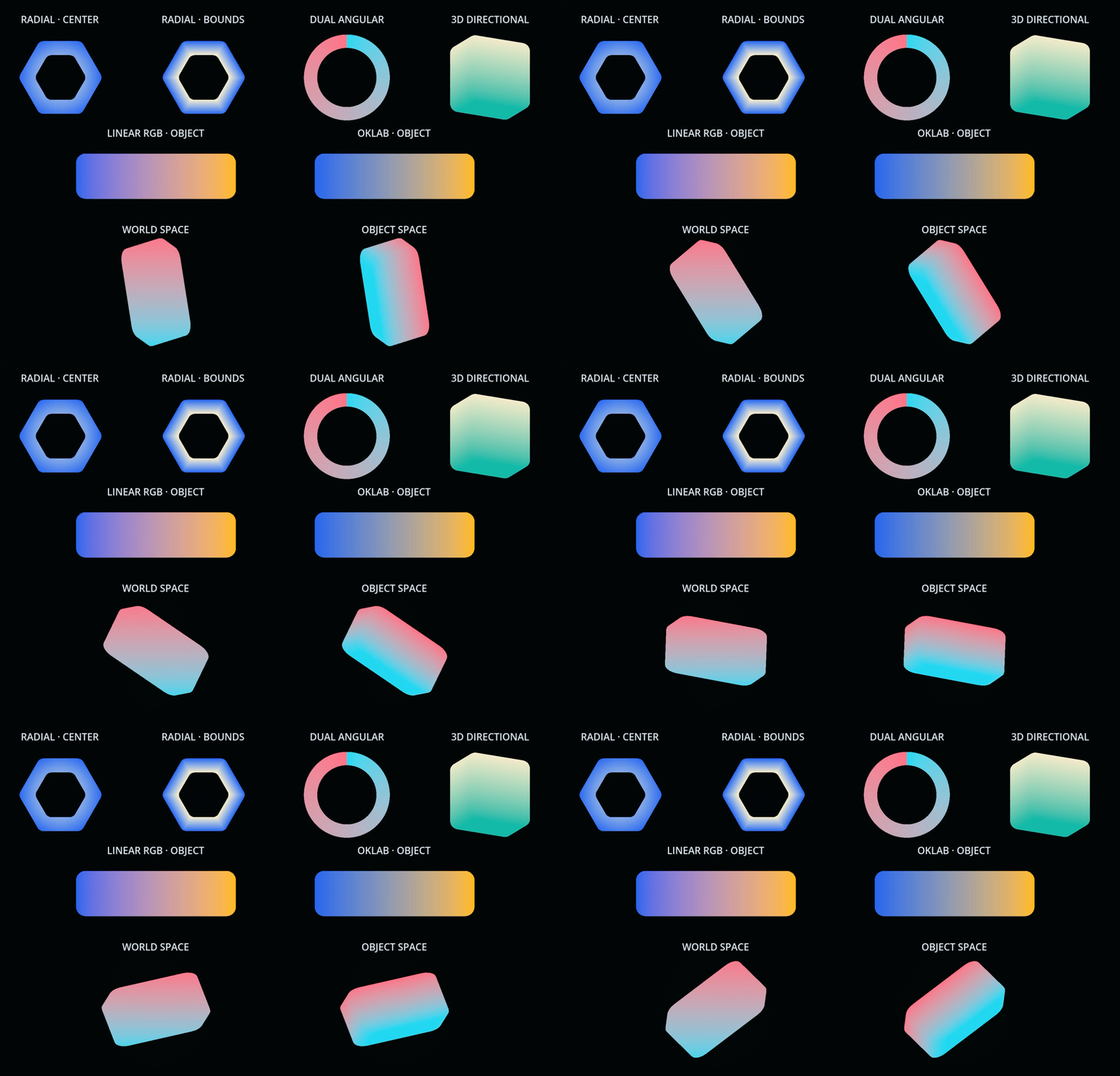
In addition to the usual blend modes, Mold can blend colors in the perceptually uniform Oklab color space. Gradients stay vivid and travel between colors more naturally, which is particularly handy for making a whole scene feel coherent.
Automatic level of detail 🔗
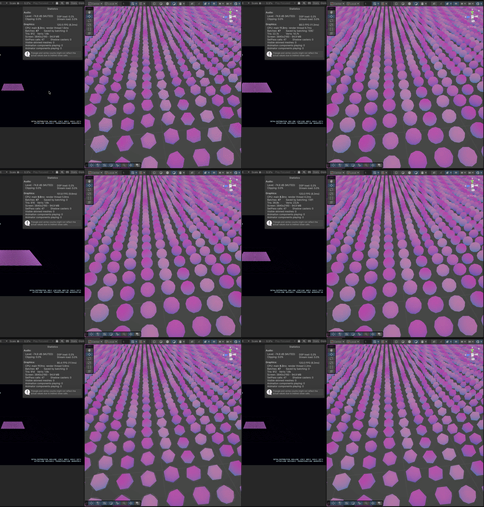
Mold can automatically select a lower-detail version of each 3D primitive as it moves farther from the camera. The levels cross-fade with a dithered transition, reducing the cost of dense scenes without a distracting hard pop when the geometry changes.
GPU based polyine 🔗
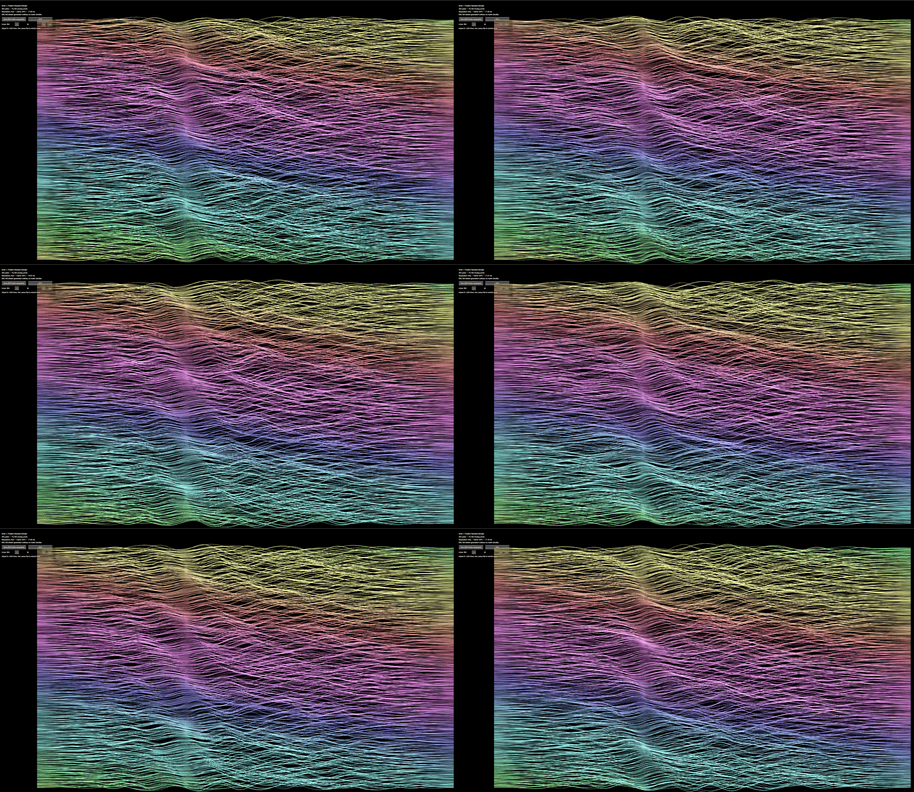
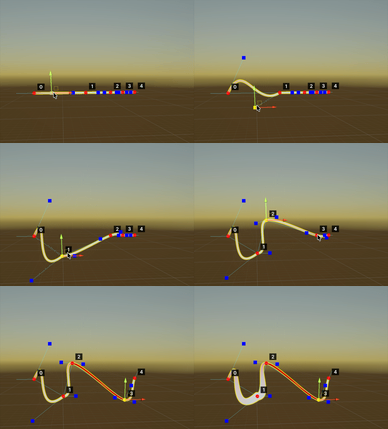
Mold implements a GPU based polyline solution which can handle potentially millions of lines and points without a hitch. Optional CPU based polyline is still available for precise mesh construction.
Additionally, full fledge Curve is also supported with the following types:
- Cubic Bézier
- Quadratic Bézier
- Hermite
- B-spline
- NURBS
- Catmull–Rom
The curve also exposes an Evaluate function so that you can sample the path should you need it.
Built-in paint and pencil visual available 🔗
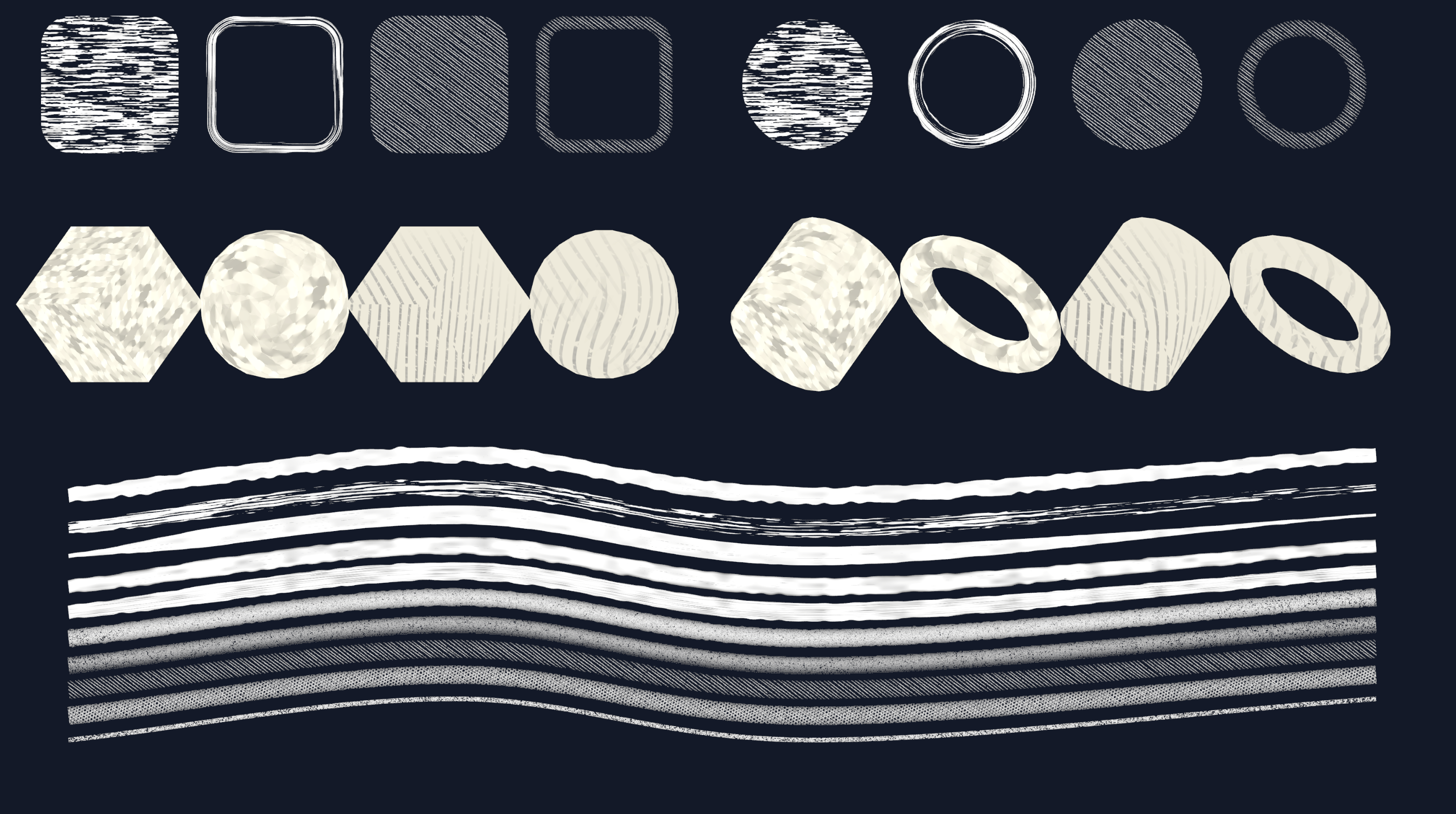
Mold supports custom materials, but creating one by adapting the built-in shaders can be very difficult. So Mold also has two premade custom materials: paint and pencil, which mimics the look of paint and pencil strokes. Use them directly and maybe reference them to create your own custom materials!
Optional order-independent transparency support 🔗
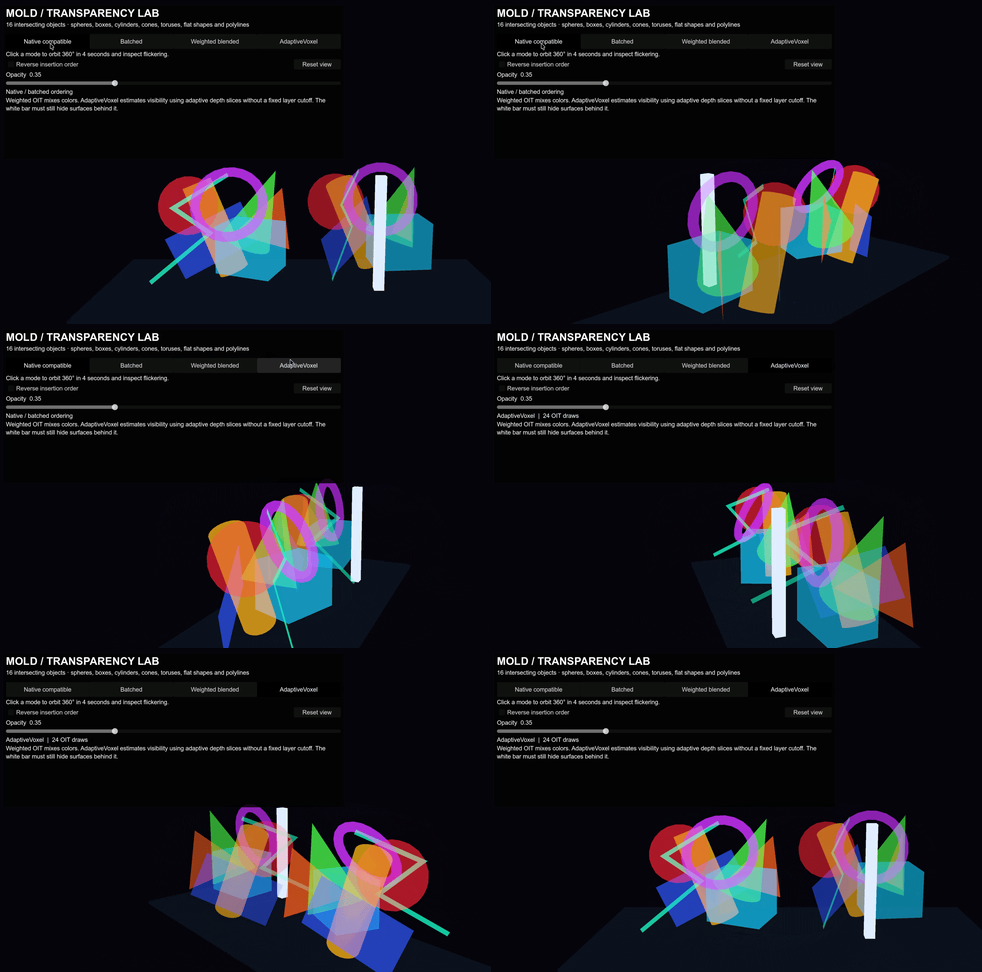
Mold supports both Weighted OIT and AdaptiveVoxel OIT, which while requires additional setup to be used on typical engine transparent objects, works about perfect if your project only has Mold transparent objects.
What can you make with it? 🔗
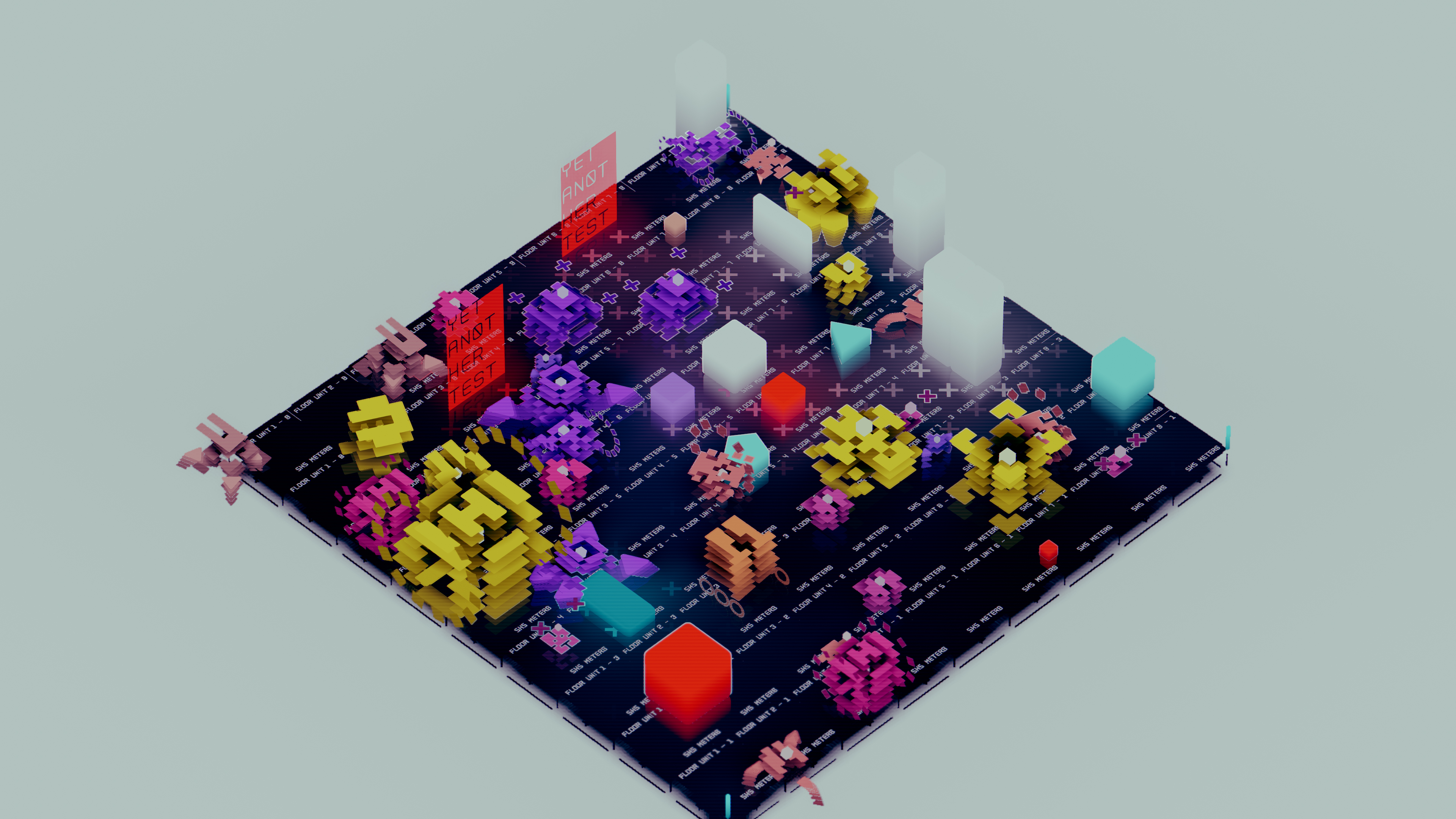
Mold was originally created to make my own game Autopanic, which is a game heavily based on stylized geometric primitives:
Simple shapes can also go surprisingly far. This little solar system was rendered in Godot using only Mold:
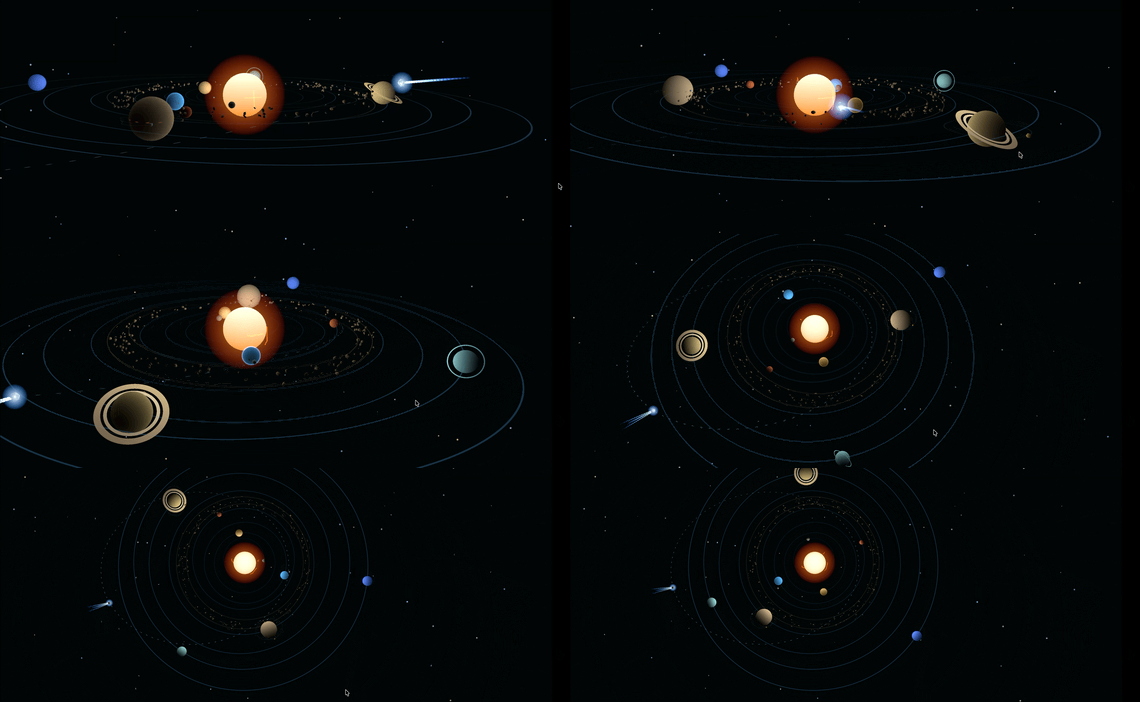
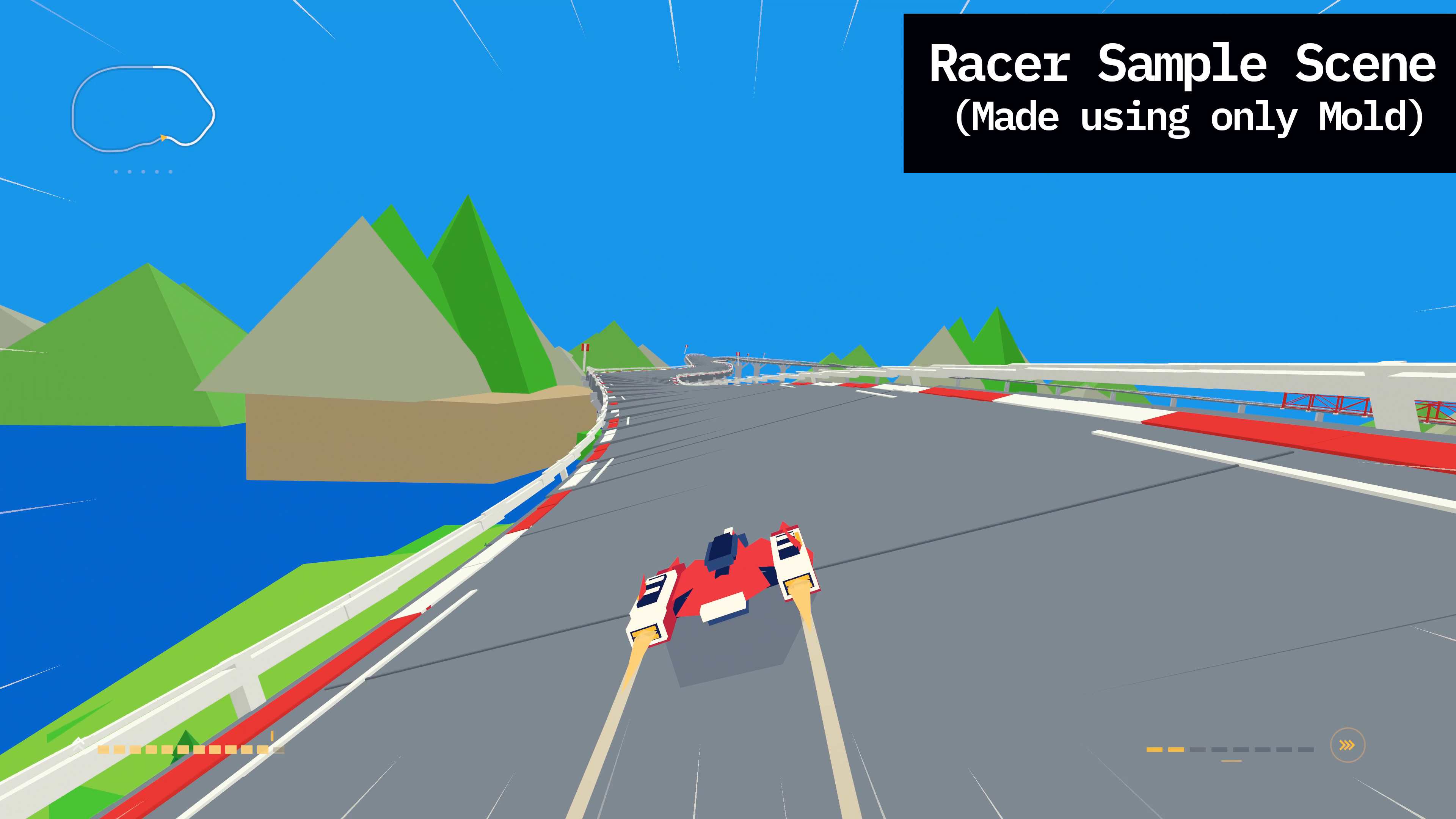
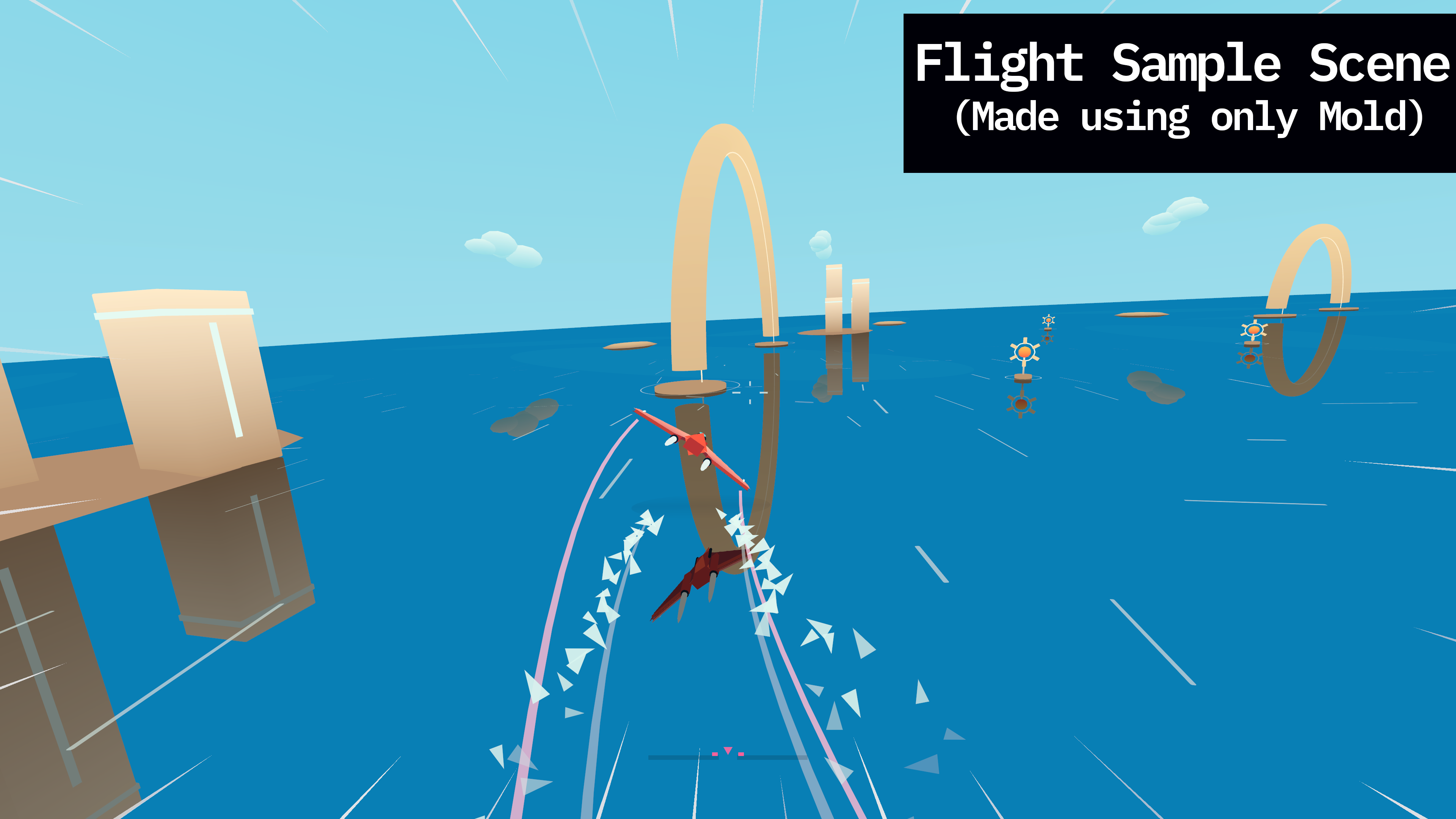
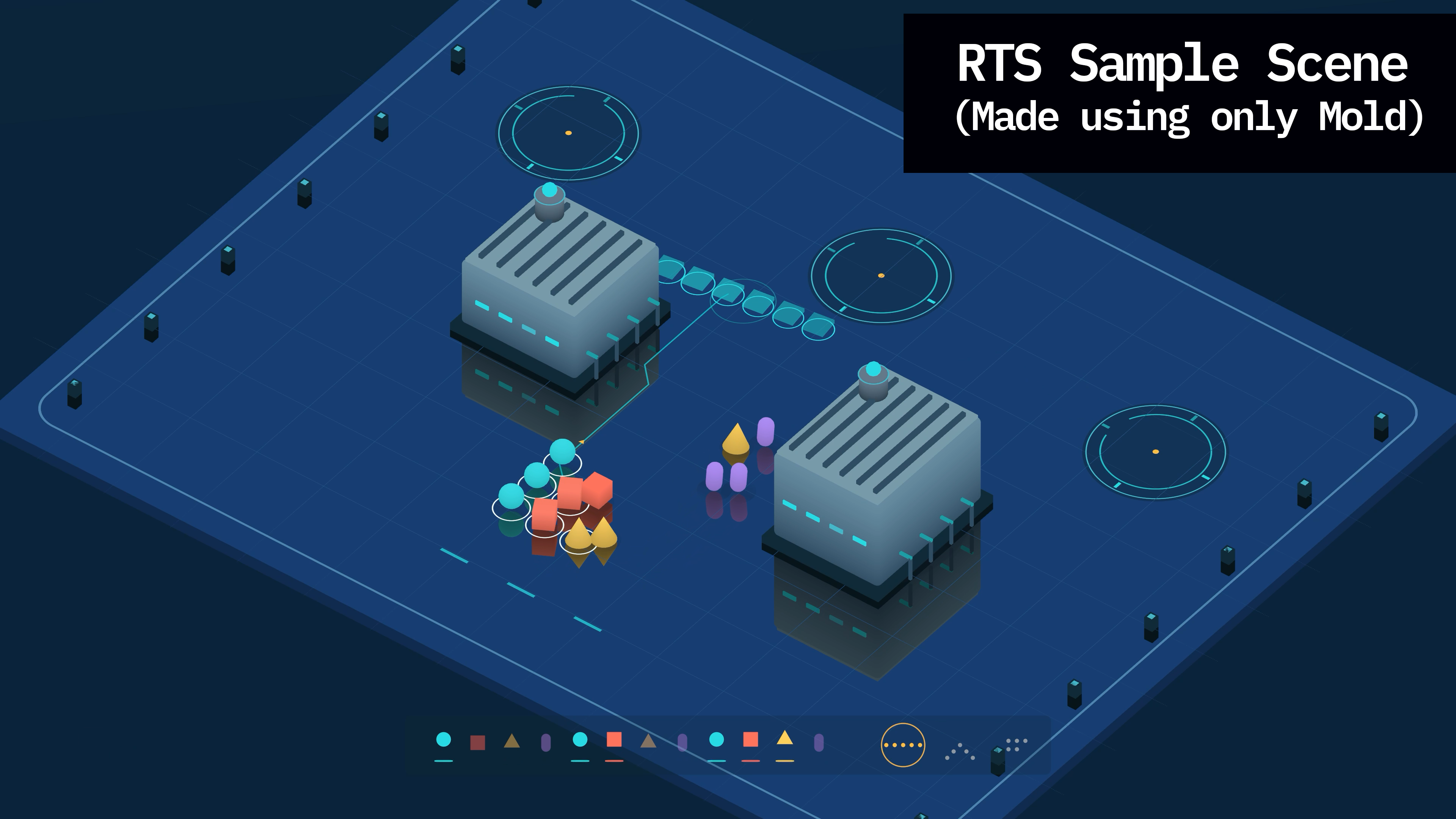
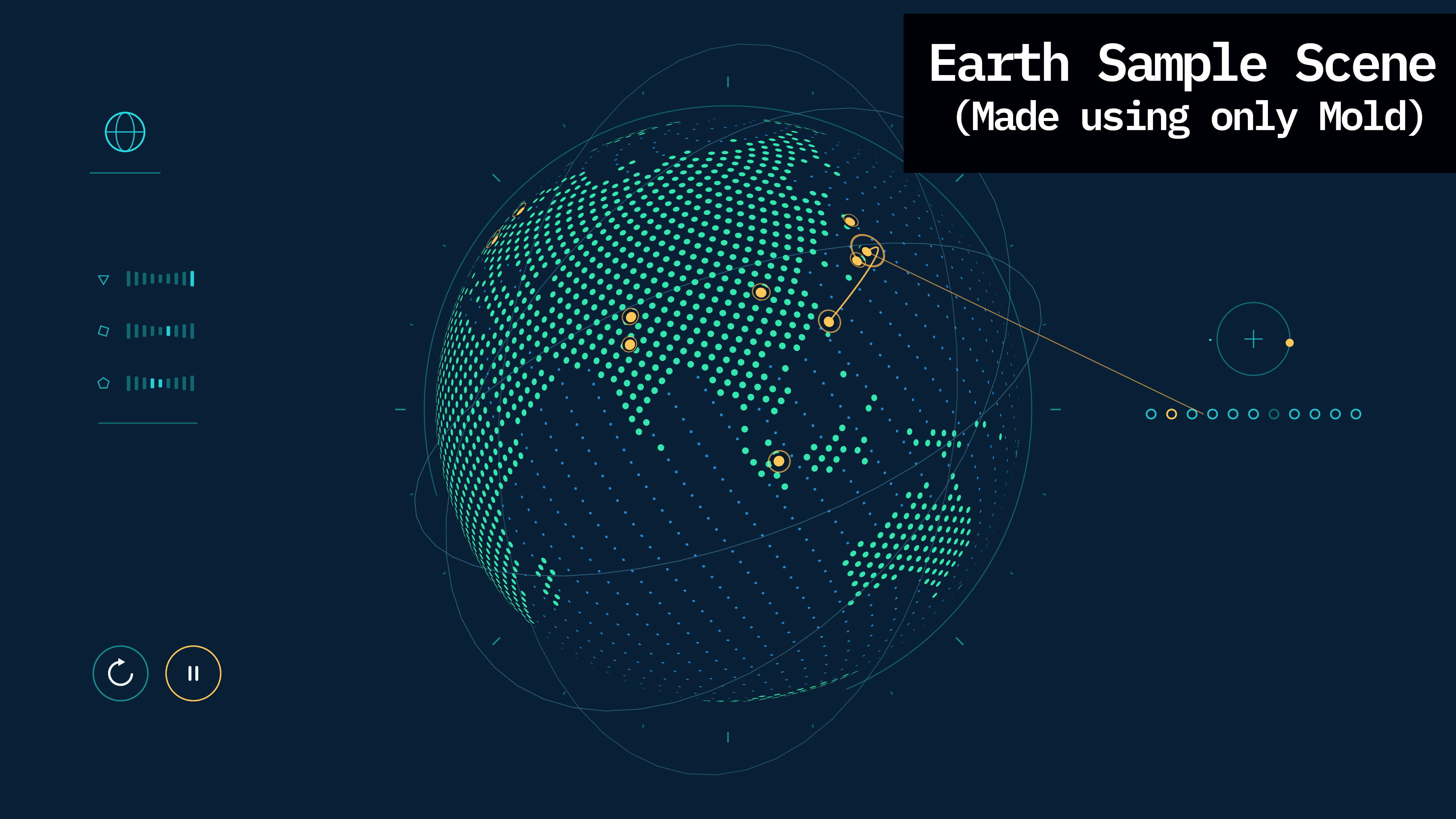
The full Mini Outer Wilds experiment was built with roughly 3,000 lines of GDScript and no art assets. Mold has also been used to assemble colorful miniature towns and small strategy-game scenes:
A small reality check 🔗
Mold’s anti-aliased 2D primitives can look crisp and vector-like at any resolution, but Mold is not an SVG renderer. Oklab blending also costs more than ordinary linear RGB blending, so it is best used where the visual difference matters.